Enhance film soundtracks with this free player
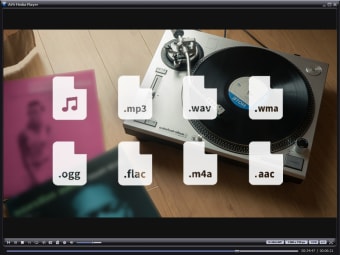
AVS Media Player has been designed with the aim to ensure that you get the maximum benefit from any surround sound or multi-channel soundtracks that your films have.

Unlock your creativity with Adobe Stock
Get 10 images or 1 video with a free trial
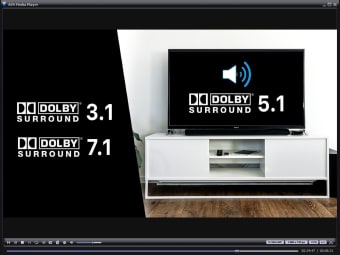
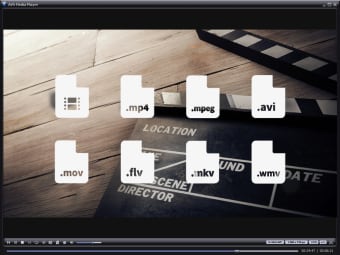
The program distinguishes itself with an inbuilt set of codecs that will play most files, meaning you don’t have to trawl the internet for the right decoder just when you want to watch a movie.AVS is really flexible, supporting all the regular formats. It’s sound processing where AVS really excels, however, and if you’ve got a decent set of surround sound speakers, you’ll really notice the difference.AVS Media includes a surround equaliser which distributes sound according to your setup. Currently, this multi-channel surround sound feature supports 3.1, 5. 1 and 7. 1 speaker configurations. There is a price to pay, however, for this emphasis on sound. Unfortunately, AVS Media Player is hindered by several basic flaws.Firstly, it’s very heavy on resources. Even if you own a machine with a high-end processor and graphics card, you’ll notice that AVS hogs your CPU power, so it’s advisable to close absolutely every other application to prevent your system from becoming unstable.One technical drawback is that it does not de-interlace images. This means that if you’re watching torrents or DivX files taken from TV shows, you could experience poor image quality, especially around the borders of the screen.Another annoying problem is that you can’t make the playback controls stay visible on the screen in full playback mode.You end up having to return to a smaller viewing window to control the film you are watching. This is not an issue if you just plan on watching a film from start to finish but it is if you plan to stop and start it a lot.One other minor issue is the lack of extra skins available. The black default skin looks great and there are a few more to choose from but nowhere near as many as other players such as WinDVD.
AVS is not a bad product and it certainly looks good. However, as many users report, the developers seem to have focused too much on design and sound features than the bread and butter of usability.
Fully functional under any account Audio calibration feature